Versioning
Versioning may seem like a small functionality, but it plays a major role in ensuring tests’ traceability. It provides an insight to changes made within a test case and helps with auditing each test case and updating it according to the current requirements. It’s a small effort, but results in a maintained test accuracy.
Creating test versions
In ATM, users can create versions of Test Steps within a Test Case. In order to create a new version, click on the three dots, next to Version field, above the steps list. Select New Version and configure it in a new window - add a name, optionally a description.


The users can create copies of other versions by ticking the Make copy of button. The new version can also be set as default. To complete, click the Create version button. In order to switch between versions, users can select them from Version dropdown.

Versions can always be edited by clicking on the More options menu and choosing Edit current version option.

Caution
The version set as default will be automatically taken to the Test Case Execution custom object - a snapshot in time of a specific Test Case. Within the Test Case Execution screen, the users can find an information regarding the version of a Test Case, which has been used.
Managing versions
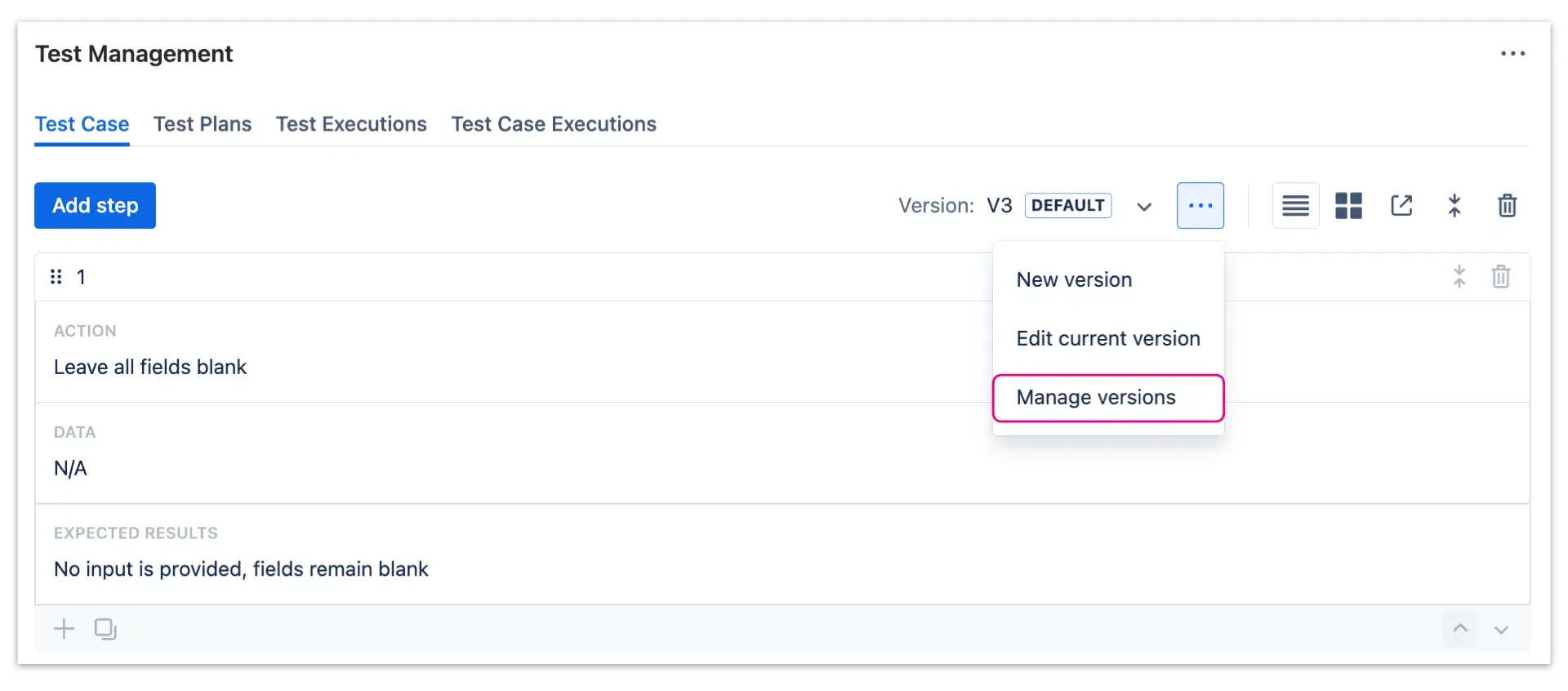
Users can easily view and manage the versions of tests by clicking on the More options menu (three dots) and going into Manage versions. Within the Current versions tab, the versions will be listed with following information:
- Version name
- Description
- Date of creation
- Date of the last update
- Creator
Additionally, the default version will be marked with a Default lozenge in the first column.
